


Run your payments
from your AI assistant
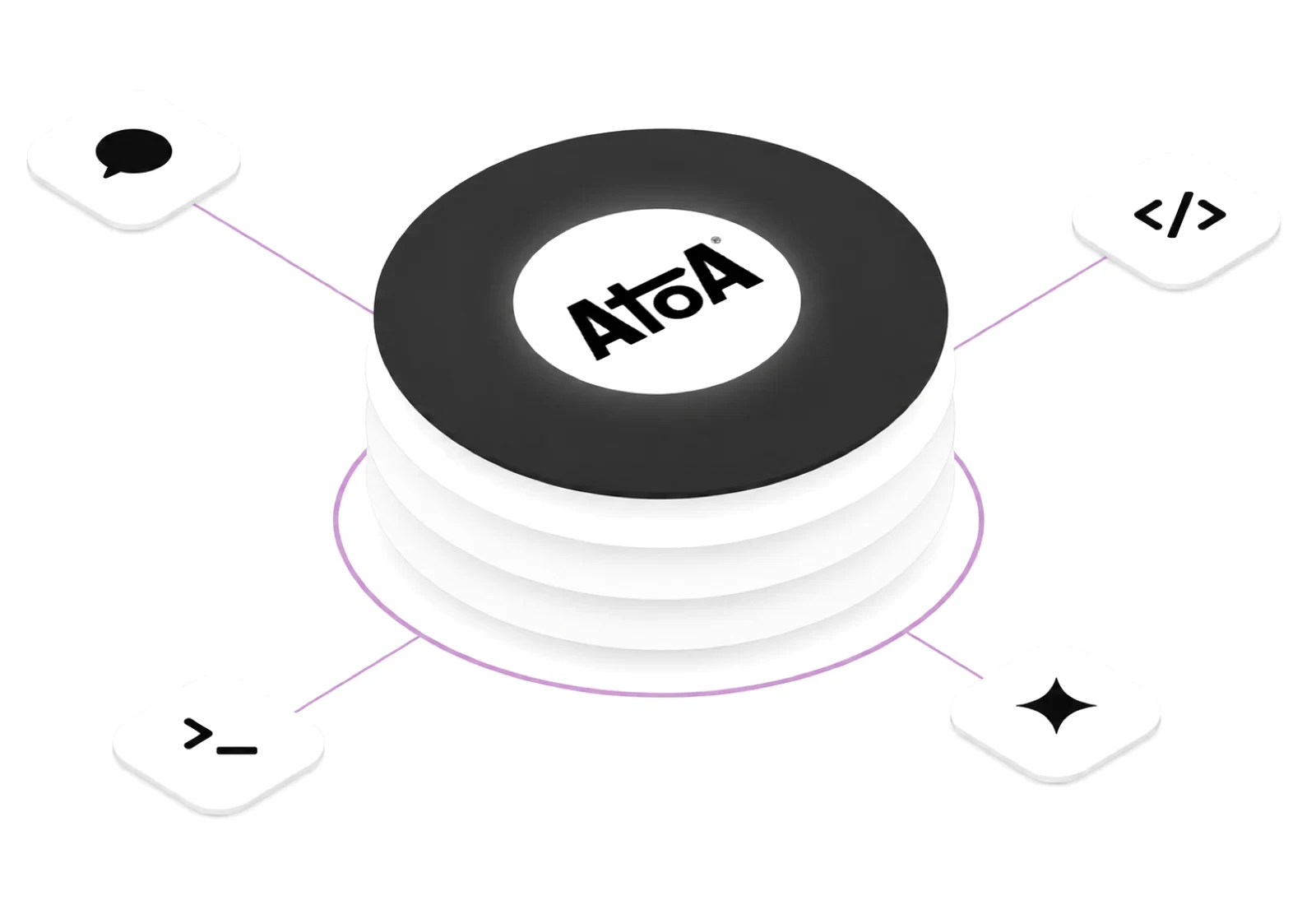
Connect Grok, Claude, Cursor or any MCP client to your Atoa account through our payments MCP server. Ask in plain English to send a payment link, check who has paid, chase a failed payment or confirm a payout has landed in your bank.

What is an MCP server
MCP, the Model Context Protocol, is an open standard that lets an AI assistant use tools from other services. The Atoa MCP server gives your assistant 30 payment tools, including open banking MCP tools for Pay by Bank, that work on your own Atoa account: create a payment request, check its status, search transactions, manage customers and saved cards, issue refunds, and read a connected bank feed.
Atoa hosts it for you, so there is nothing to install. Your assistant sends your Atoa access key with every request and only sees what that key is allowed to see. A sandbox key can only ever reach sandbox data.
Works with the AI tools your team already uses
- GrokCustom connector
- ClaudeClaude Code
- ChatGPTOpenAI Agents SDK
- GeminiGemini CLI
- Cursormcp.json
- VS Codemcp.json
- GitHub CopilotAgent mode
- WindsurfMCP config
Ask, and Atoa
does the admin
Example prompts, several from our sandbox walkthroughs. The figures come from Atoa, the wording from your assistant.
Send a payment link in one sentence
pay.atoa.me/… with a QR code to share.
process_paymentcreate_customerSee who paid today, by location
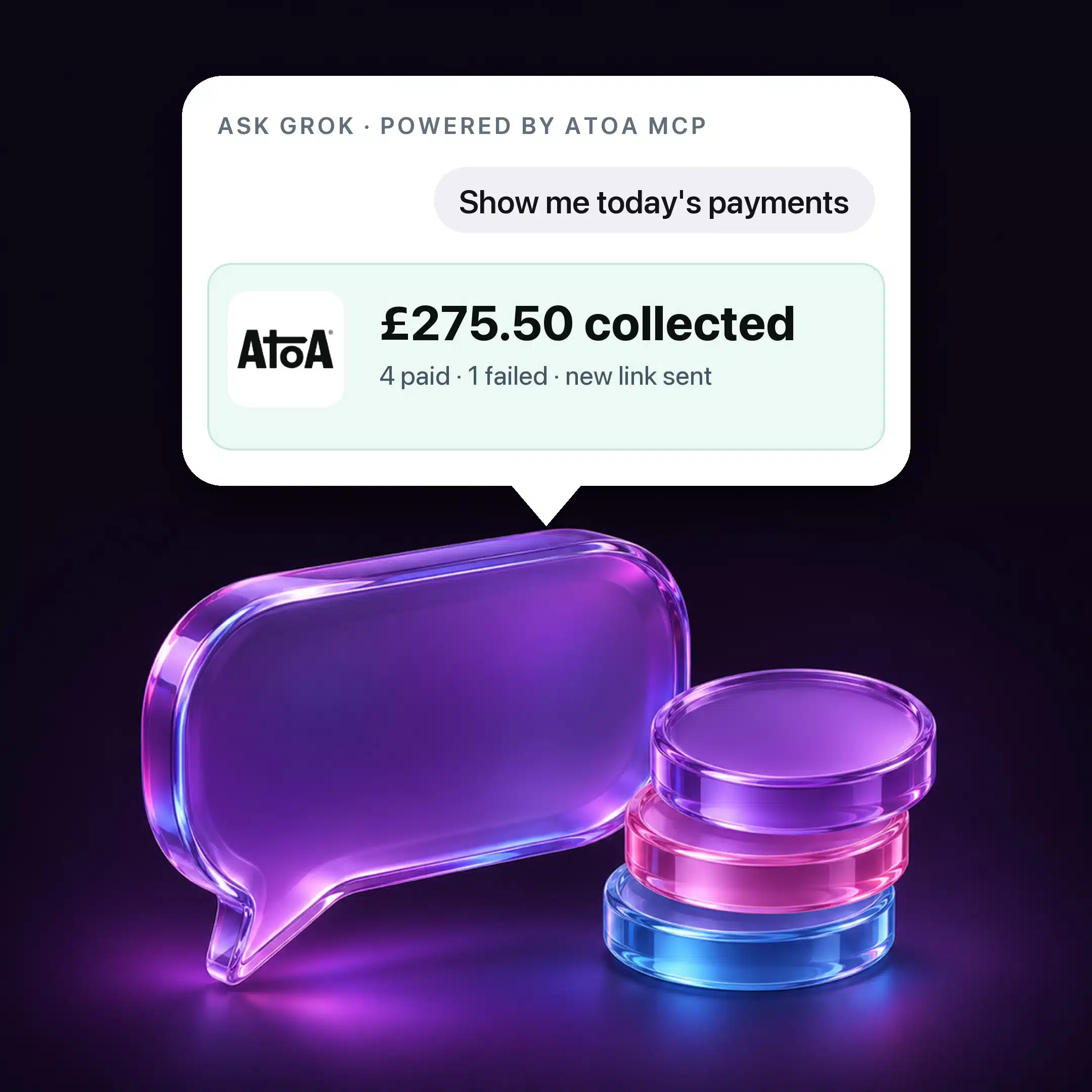
1 failed · £35 gents cut, FC-2044
get_storesget_transactionsTurn a failed payment into a fresh link
get_transactionsprocess_paymentConfirm a payout has landed
fetch_all_accountsfetch_account_transactionsRefund part of an order
get_refund_paymentsinitiate_refundMatch takings to the bank
get_transactionsfetch_account_transactionsConnect in two minutes
Copy your access key
Atoa dashboard › Settings › API Access. Use the Sandbox secret while you test and the Production secret when you go live.
Add Atoa to your assistant
Point it at
https://mcp.atoa.me/mcpwith two headers:Authorization: Beareryour key, andX-Atoa-Envset tosandboxorproduction.Ask about your payments
Start with “Show today’s payments”. The key and the environment header must match, or Atoa returns an authentication error.
# Grok › Settings › Connect Apps › Add a custom connector
Name        atoa-payments
Server URL  https://mcp.atoa.me/mcp
Header 1    X-Atoa-Env     sandbox
Header 2    Authorization  Bearer YOUR_ACCESS_KEY
Then attach atoa-payments from the + menu in any chat, or give it to a Grok bot.
claude mcp add --transport http atoa https://mcp.atoa.me/mcp \
  --header "Authorization: Bearer YOUR_ACCESS_KEY" \
--header "X-Atoa-Env: sandbox"// .cursor/mcp.json
{
"mcpServers": {
"atoa": {
"type": "http",
"url": "https://mcp.atoa.me/mcp",
"headers": {
"Authorization": "Bearer YOUR_ACCESS_KEY",
"X-Atoa-Env": "sandbox"
}
}
}
}// .vscode/mcp.json
{
"servers": {
"atoa": {
"type": "http",
"url": "https://mcp.atoa.me/mcp",
"headers": {
"Authorization": "Bearer YOUR_ACCESS_KEY",
"X-Atoa-Env": "sandbox"
}
}
}
}# Interactive setup (Node.js 18+): prints the config for your client
npx @atoapayments/mcp init
# or add to claude_desktop_config.json, Gemini CLI settings, Cursor…
{ "command": "npx", "args": ["-y", "@atoapayments/mcp"],
"env": { "ATOA_AUTH_TOKEN": "YOUR_ACCESS_KEY", "ATOA_ENV": "sandbox" } }Local mode keeps your key off the network and works with clients that cannot send HTTP headers.
30 tools across
the payment lifecycle
Your assistant picks the right tool for each request. You never call them by name.
Payments
5Payment links, QR codes, status and history.
- process_payment
- get_payment_status
- cancel_payment
- get_transactions
- get_stores
Customers
5Find, add and update customer records.
- create_customer
- list_customers
- get_customer
- update_customer
- delete_customer
Cards on file
6Saved cards, repeat charges and card captures.
- charge_saved_card
- capture_payment
- cancel_card_payment
- list_payment_methods
- get_payment_method
- delete_payment_method
Refunds
3Full and partial refunds, production only.
- initiate_refund
- get_refund_payments
- cancel_refund
Bank feed
6Read-only Open Banking access to your business account: connect, read balances and transactions, revoke at any time.
- initiate_ais_auth
- fetch_all_accounts
- fetch_account_transactions
- fetch_account_details
- fetch_account_balance
- revoke_account_access
Webhooks
3Subscribe your systems to payment events.
- create_webhook
- list_merchant_webhooks
- delete_webhook
Account
2Business settings and supported banks.
- get_business_config
- get_institutions
Safe by default
Customers approve every Pay by Bank payment
Customers approve every Pay by Bank payment in their Bank app with Strong Customer Authentication. A saved card can be charged with the customer’s earlier consent, without new approval.
Sandbox first
Sandbox keys reach only test data and the Atoa test bank, where you choose whether a payment completes or fails. Switch the header and key when you go live.
One business and environment per key
Each key works for one business and one environment. A production key can use every tool, so keep it private. Regenerate it in API Access and the old key stops working straight away.
Read-only bank feed
Bank feed tools read balances and transactions. They have no permission to make payments from the connected account, and you can revoke access at any time.
Rate limited per key
The hosted endpoint limits requests per key and answers 429 when it is exceeded, so a runaway agent cannot flood your account.
FCA authorised
Atoa is an Authorised Payment Institution (FRN 1007647), ISO 27001 and SOC 2 certified.
















See it in action

A trusted partner
for businesses in the UK
Yes, with a production key it can charge a card a customer saved with you, using their earlier consent without new approval. Every Pay by Bank payment needs the customer’s approval in their Bank app. Try sandbox first.
No. For Grok you paste the server address and two headers into a form. For Claude Code, Cursor and VS Code it is one command or a few lines of config.
Any client that supports MCP over HTTP with custom headers, including Grok, Claude Code, Cursor, VS Code, GitHub Copilot agent mode and Windsurf. Claude Desktop and Gemini CLI can use the local server, npx @atoapayments/mcp. For ChatGPT and other OpenAI-based products, connect through the OpenAI Agents SDK, which supports MCP servers with headers.
Yes, by telling it. In Grok you can create a bot with one job, such as confirming finance payouts, and instructions never to share the balance. That is an instruction rather than a permission, so give staff the bot and keep the access key to yourself.
Sandbox. Use your Sandbox secret with X-Atoa-Env: sandbox to try every prompt on test data, then switch both to production.
The MCP server lets you run your own Atoa account from an assistant. Agentic payments is for products whose AI agents pay or get paid on a customer’s behalf, within limits a person approves.
Put Atoa in your AI assistant
- About 40% lower payment fees
- Faster access to funds
- One platform for modern payments

ISO-27001 and SOC2 Secure

Security backed by UK banks

Authorised by the FCA

Schedule a quick chat with our team!
Select your preferred time, and our team will give you a short demonstration of how Atoa can work for your business. Book a call
Book a call