


Xero invoice payments,
confirmed in seconds
Get Paid Directly
from Xero Invoices
Connect in minutes
Set up Atoa’s Xero payment gateway integration directly from the Atoa dashboard. Takes only a few minutes. No developer setup required.
Send invoices as usual
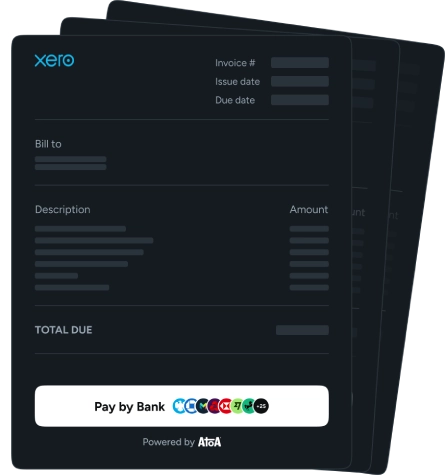
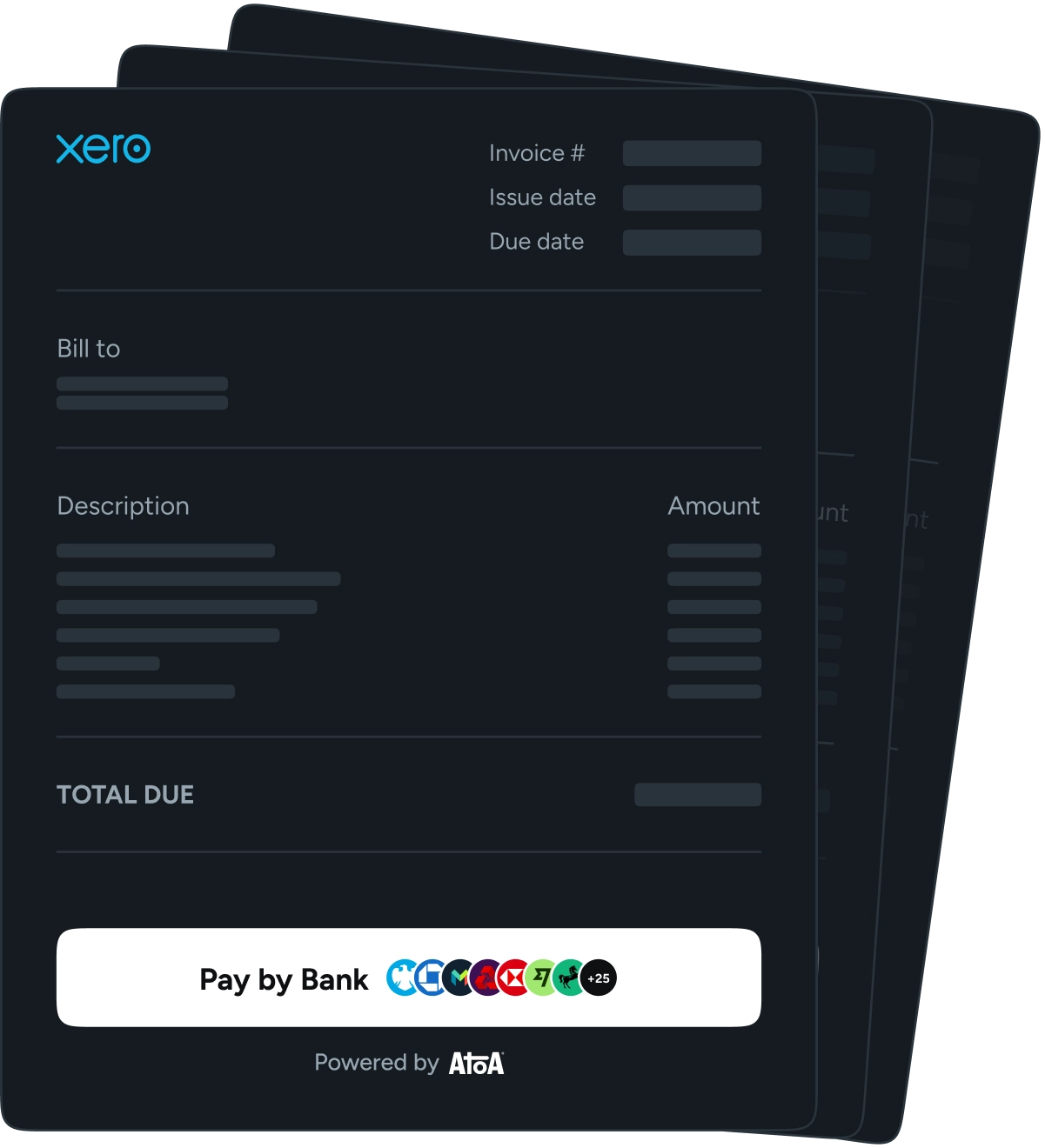
A Pay by Bank button is automatically added to every Xero invoice. If card payments are enabled on your Atoa account, customers can also choose to pay by card.
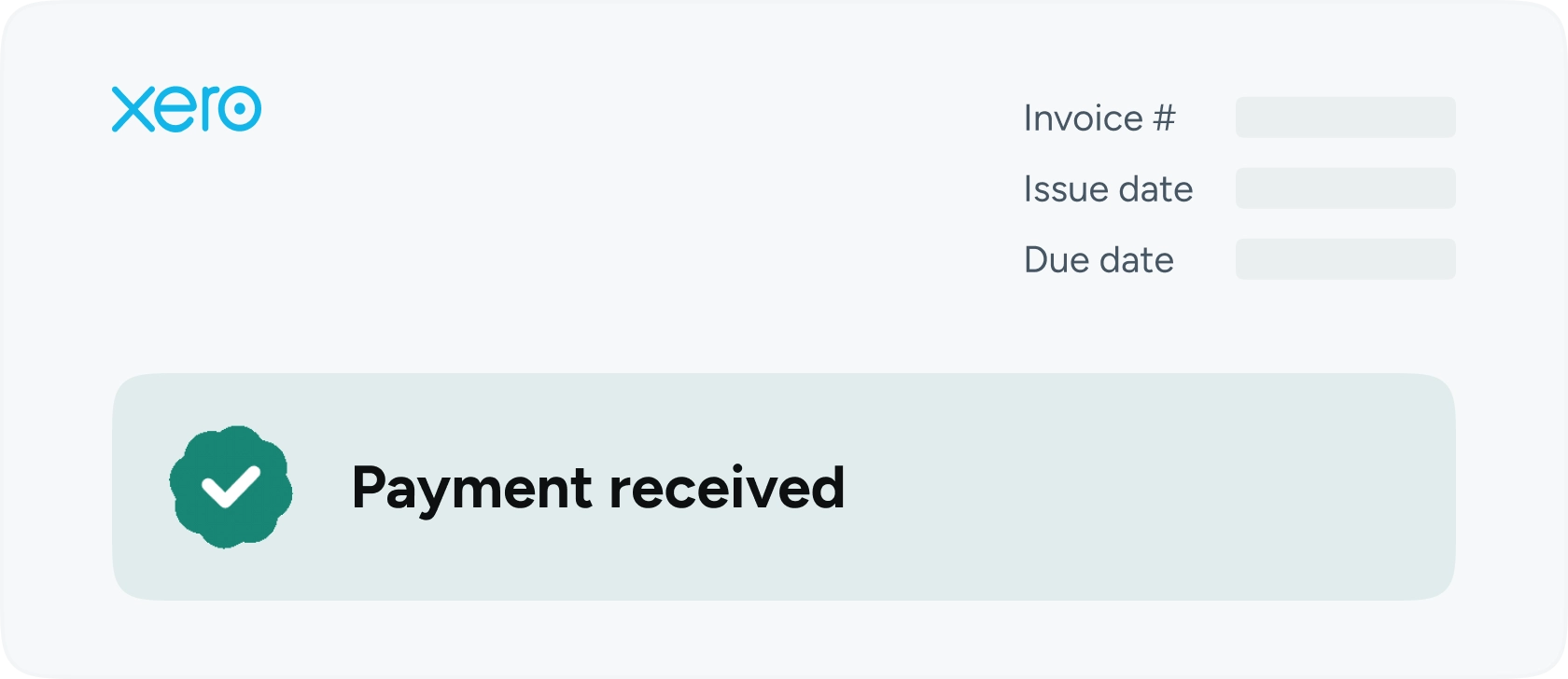
Confirmed in seconds
Your customer approves the payment in their Bank app and the invoice is automatically marked as paid in Xero.
Connect in minutes
Set up Atoa’s Xero payment gateway integration directly from the Atoa dashboard. Takes only a few minutes. No developer setup required.
Send invoices as usual
A Pay by Bank button is automatically added to every Xero invoice. If card payments are enabled on your Atoa account, customers can also choose to pay by card.
Confirmed in seconds
Your customer approves the payment in their Bank app and the invoice is automatically marked as paid in Xero.
Why businesses use Atoa with Xero

Lower payment costs
Pay by Bank cuts your invoice payment fees by about 40% compared to standard card rates.

Daily payouts
Payments are confirmed in seconds and paid out the next day, 7 days a week, including weekends and bank holidays.

Automatic reconciliation
Payments syncs to Xero automatically and invoices are marked as paid as soon as the payment is confirmed.

Simple pay-now experience
Customers pay via their UK bank app with one click and get instant confirmation.

See how much you could save with Atoa
- About 40% lower payment fees
- Faster access to funds
- One platform for modern payments

ISO-27001 and SOC2 Secure

Security backed by UK banks

Authorised by the FCA

Schedule a quick chat with our team!
Select your preferred time, and our team will give you a short demonstration of how Atoa can work for your business. Book a call
Book a callAtoa’s Xero payment integration connects to your existing Xero account directly from the Atoa dashboard, no developer needed. Once linked, a ‘Pay now’ button is automatically added to every invoice you send. Your customer clicks the button, approves the payment in their Bank app, and the payment is confirmed in seconds. Xero marks the invoice as paid automatically, with no manual input required. If card payments are enabled on your Atoa account, customers will also have the option to pay by card.
Yes. Atoa is a Xero App Store partner and our Xero payment gateway integration is fully certified. The setup takes only a few minutes and the connection is fully supported by both platforms.
Yes. Every payment made through Atoa’s Xero online payment integration syncs to Xero in real-time. The invoice is marked as paid automatically and the transaction is reconciled without any manual input.
Atoa’s pricing for invoice payments is clear and transparent:
- Pay by Bank: 0.6% + 20p per transaction, capped at £5, making it especially cost-effective for higher-value invoices
- Card payments: 1.2% + 20p per transaction (UK Consumer Debit/Credit)
Pay by Bank is typically about 40% cheaper than standard card rates. The £5 cap makes it particularly attractive for businesses that regularly invoice for larger amounts. No setup fees, no monthly subscription, no surprises.
The customer clicks the ‘Pay now’ button from their phone or desktop, which takes them to a secure payment page. They can pay via their banking app or internet banking, or by card if card payments are enabled on your Atoa account. For more details, you can visit our Help Centre page.
Yes, if card payments are enabled on your Atoa account. When a customer clicks the Pay now button on your invoice, they’ll see the option to pay via their Bank app or by card.
Head to your Atoa dashboard and go to My Account. Click the Integrations tab, then the Settings cog next to Xero, and select Disconnect. A confirmation prompt will appear to make sure you want to proceed. Your accounts will be disconnected immediately and the Pay by Bank button will be removed from future invoices.
